
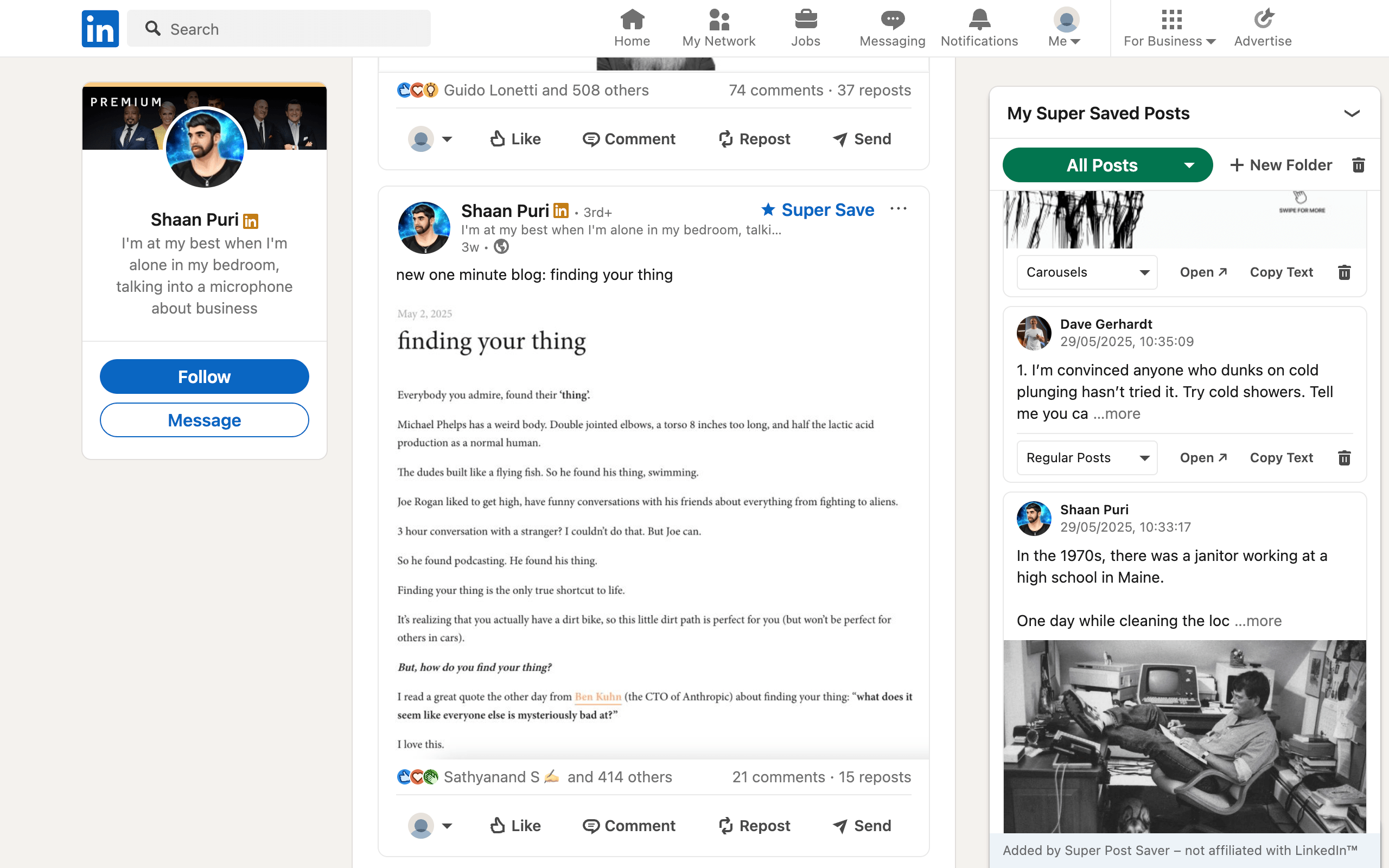
Best LinkedIn Chrome extensions in 2026, by use case
Three focused picks for post research, editing, and scheduling, with honest tradeoffs.
Read guideSuper Post Saver guides
Step-by-step answers for finding old saves, building a searchable collection, and turning inspiration into a repeatable content workflow.
Three focused picks for post research, editing, and scheduling, with honest tradeoffs.
Read guide
Desktop and mobile steps, plus what to do when the saved list becomes too hard to browse.
Read guide
Nine checks for blank Saved Items, missing posts, account mix-ups, and deleted content.
Read guide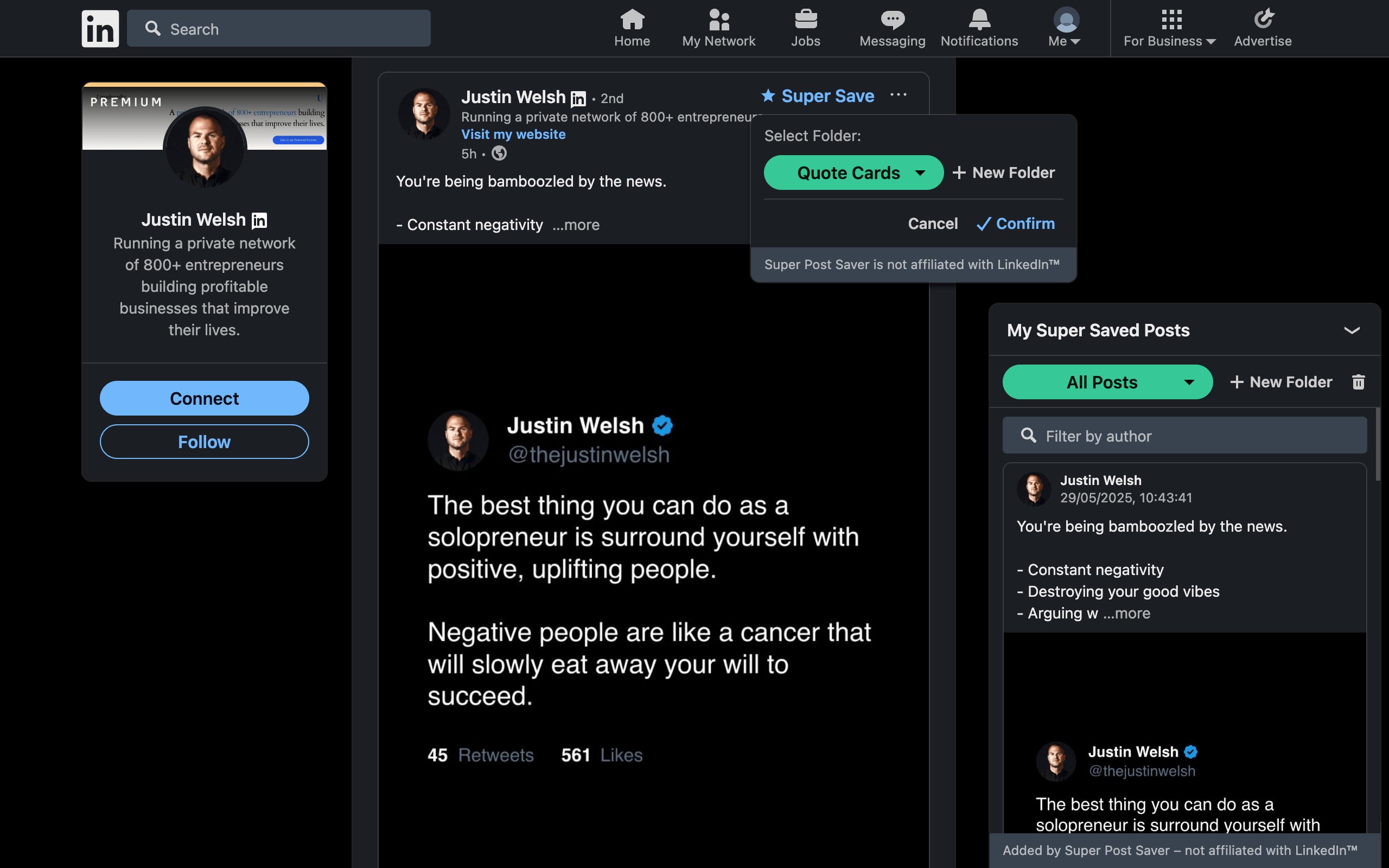
Five practical methods for finding public posts, a known author's posts, or something you saved.
Read guide
Find your own posts, another member's posts, or a half-remembered post using the right route.
Read guide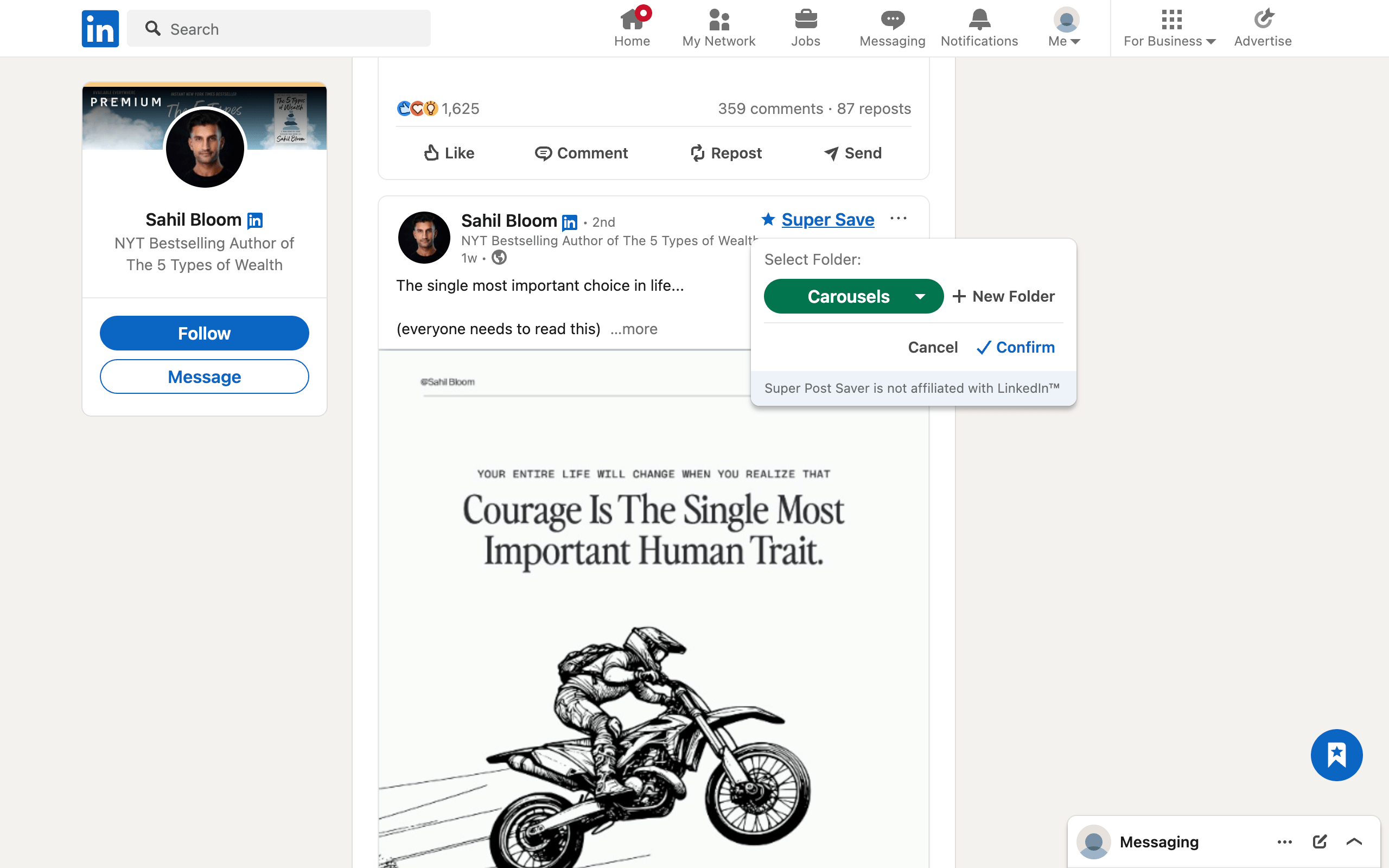
Native desktop and mobile steps, plus a folder-based method for posts you expect to use again.
Read guide
Three ways to add folders to your LinkedIn post-saving workflow, from quickest to most flexible.
Read guide
A simple folder system that stays useful after your first ten, hundred, or thousand saves.
Read guide
Use names, phrase fragments, and folders to recover a post without scrolling through the entire collection.
Read guide
A practical evaluation checklist covering search, folders, post links, privacy, permissions, and backups.
Read guide
A direct comparison of import, folders, search, local storage, export, optional sync, and cost.
Read guide
Compare a simple local folder library with LinkedMash import, AI, integrations, mobile access, and creator tools.
Read guide
Folders versus tags, separate capture versus native saves, and what to verify before choosing either free extension.
Read guide
Compare manual LinkedIn folders with multi-platform AI tags, semantic search, optional sync, exports, and MCP.
Read guide
A focused research-to-publishing workflow using Super Post Saver, aiCarousels, and LinkedIn's native tools.
Read guide
A practical workflow for planning, designing, and publishing a useful LinkedIn carousel with aiCarousels.
Read guide
Collect hooks, structures, and visual ideas without turning inspiration into imitation.
Read guide
A capture-to-action routine for turning useful posts into research, ideas, and better creative decisions.
Read guide
Capture carousel references, classify what they teach, and avoid assuming a bookmark permanently stores the document.
Read guide
Compare native saves, Chrome bookmarks, and post savers by context, search, privacy, and portability.
Read guide
A plain-language checklist for permissions, local storage, backups, automation, and data control.
Read guideSave posts into folders, search the text you remember, and reopen the original without another online account.