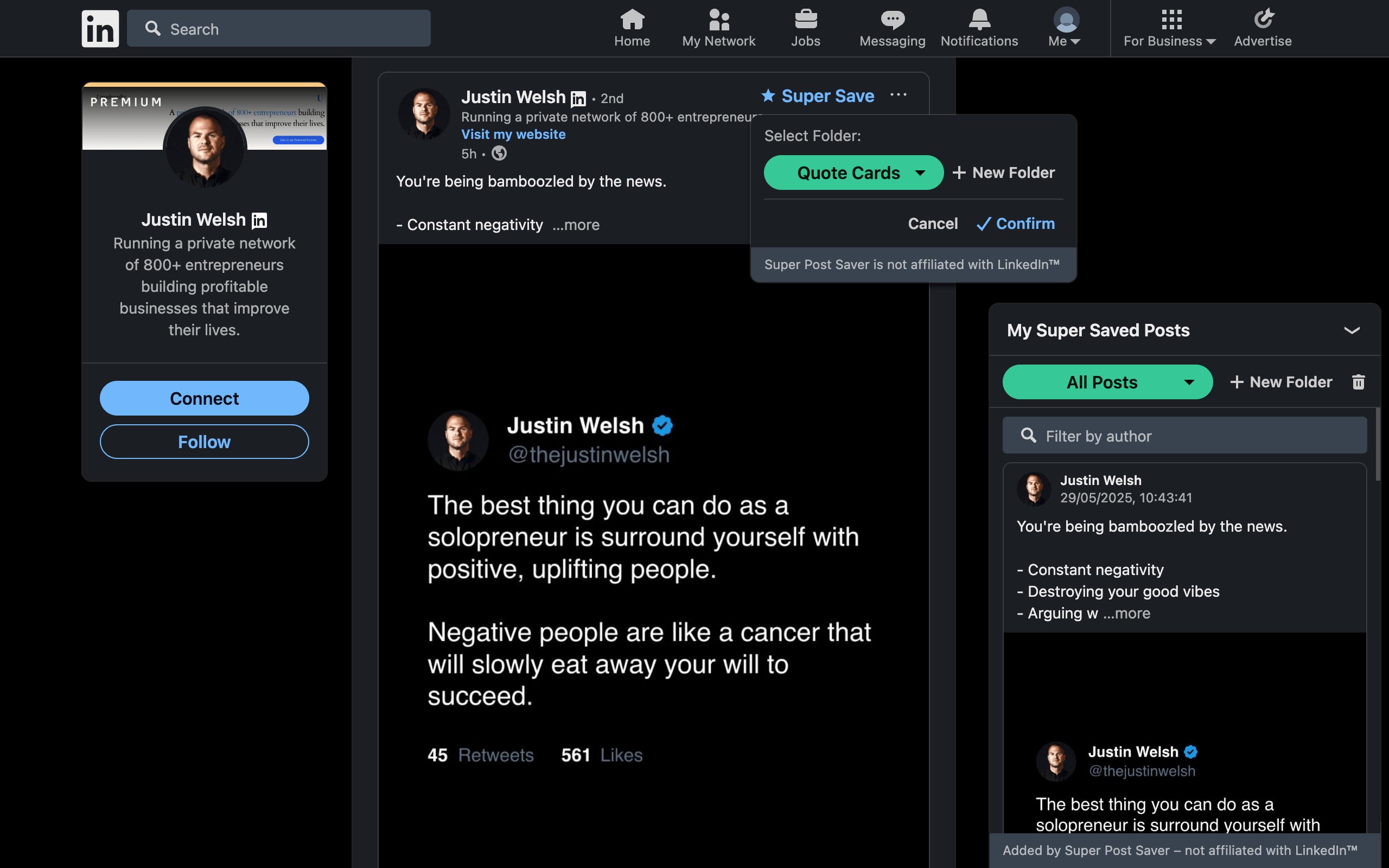
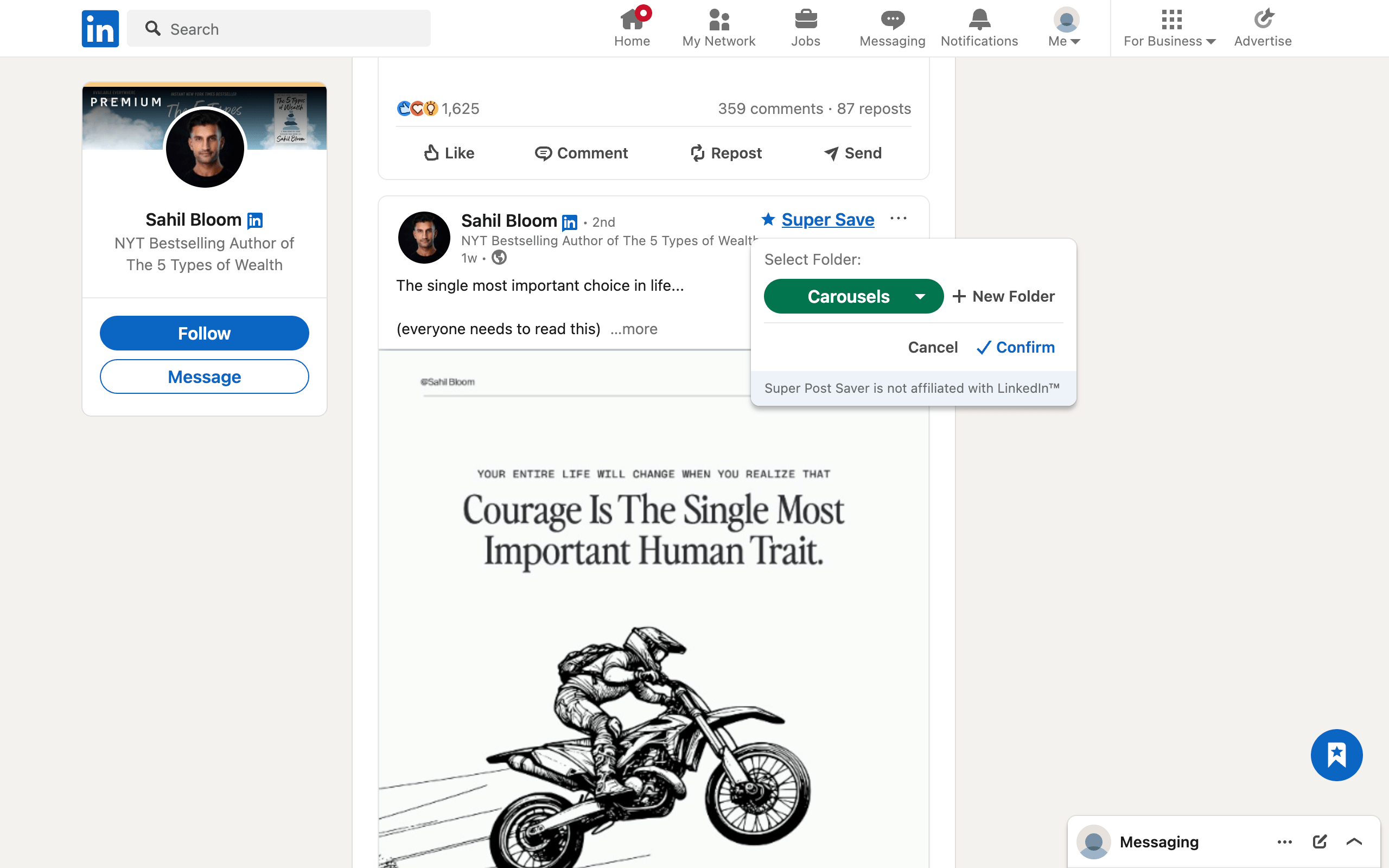
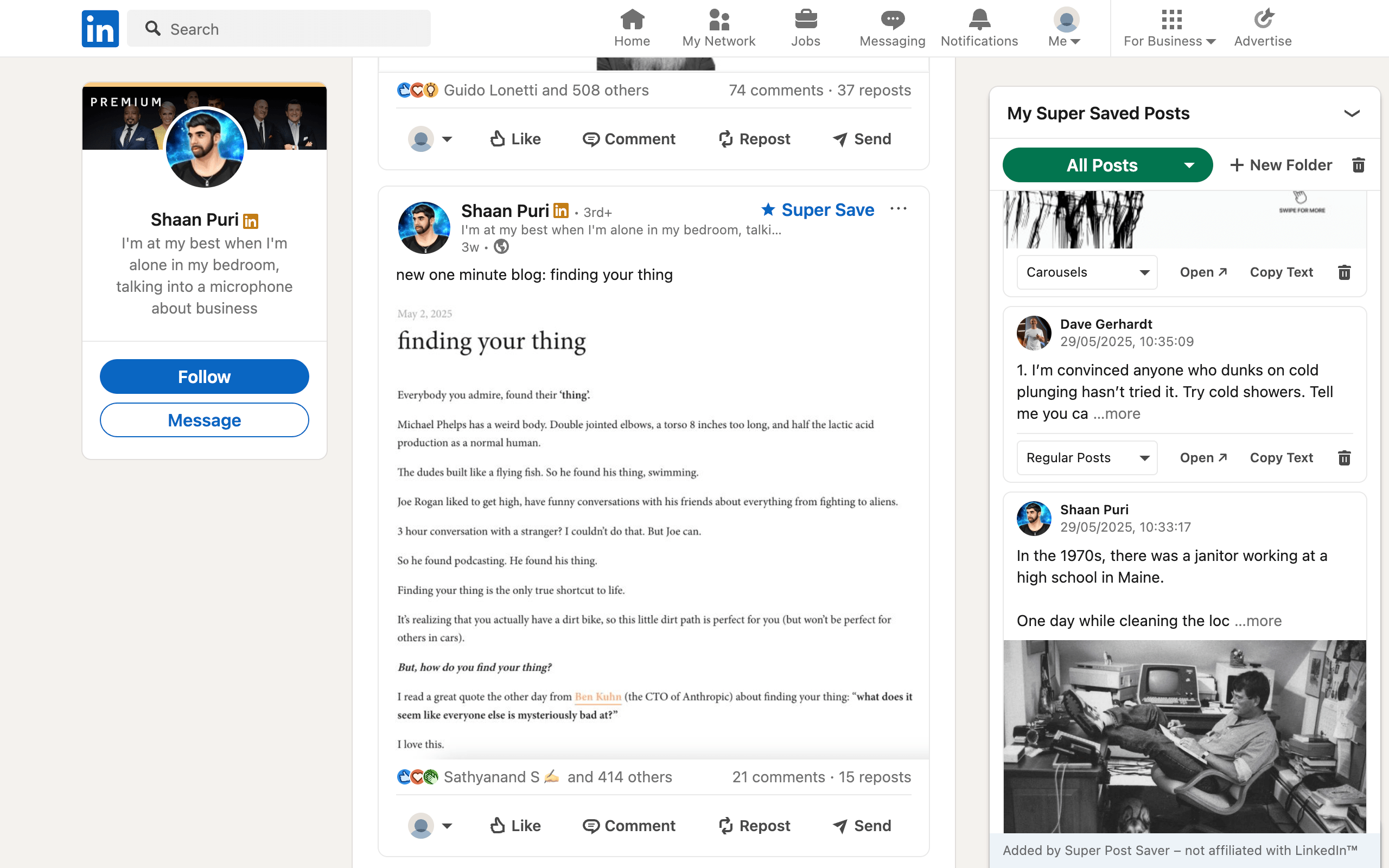
Quick answerLook for one-click capture on the post, searchable post text, folders or tags, a direct original-post link, clear storage and privacy information, export and restore, and permissions limited to the sites the product actually needs.
A LinkedIn post saver sits between a simple bookmark and a research database. That makes small product details important. A tool can save hundreds of entries and still fail if it keeps only a generic feed URL, indexes only the author's name, or offers no way to move the data elsewhere.
Seven capabilities worth checking
- Capture where the post appears. Saving should work in the main feed, individual post views, and relevant activity or company feeds without requiring a separate import step.
- Keep a direct post reference. The Open action should return to the post when LinkedIn exposes a stable post identifier, not merely to linkedin.com/feed.
- Index useful context. Author and visible post text are the minimum for retrieval. A screenshot alone is hard to search.
- Support lightweight organization. Folders or tags should be quick enough to use at save time.
- Explain the storage model. You should know whether data stays locally or goes to a vendor's server.
- Provide export and restore. A collection without an exit path creates avoidable lock-in or loss risk.
- Stay maintained. LinkedIn is a dynamic application. A post saver needs updates when page structure and navigation change.
Do not confuse capture with bulk import
Some tools import the LinkedIn Saved Items list; others save posts only after installation. Neither approach is automatically better. Import helps with an existing archive but often needs a broader sync process. Save-forward tools are simpler and let you build a more deliberate collection. Confirm which model the extension uses before assuming old saves will appear.
Choose between local and cloud storage
| Question | Local extension storage | Cloud account |
|---|---|---|
| Account required | Usually no | Usually yes |
| Cross-device access | Not automatic | Often included |
| Vendor receives collection | Not by default | Usually |
| Backup responsibility | User exports a backup | Vendor operates storage |
| Advanced collaboration or AI | Limited | More common |
Choose local storage when privacy, simplicity, and no account matter most. Choose a cloud product when you genuinely need cross-device access, collaboration, or server-side enrichment. Do not pay the privacy and complexity cost for features you will not use.
Read the extension permissions
Chrome displays permissions because extensions can interact with browser pages and APIs. Google explains that a warning does not prove an extension is dangerous, but it does describe what the extension could access.
For a LinkedIn-specific saver, site access should be scoped to LinkedIn and related LinkedIn media domains rather than every website you visit. Storage permission is expected for a local collection. Clipboard permission may support a Copy Text command. Navigation or scripting permissions can be needed to keep controls working as LinkedIn changes routes without a full page reload.
Compare those permissions with the product's stated purpose. A mismatch deserves questions. The privacy checklist for LinkedIn post savers goes deeper into this review.
Look for honest limitations
A credible tool should state what it does not do. Super Post Saver, for example:
- runs as a desktop Chrome extension, not inside the LinkedIn mobile app;
- does not import the native Saved Items archive;
- depends on the current LinkedIn page structure for capture controls;
- stores its library locally, so users should export backups;
- does not guarantee an original post remains online after its author removes it.
These are tradeoffs you can evaluate, not fine print to hide.
Run a five-minute test before committing
- Install the extension from its official store listing.
- Save one text post and one carousel from different LinkedIn views.
- Confirm both Open actions return to the original posts.
- Search a word from the body, then search the author's surname.
- Create a folder and move a post into it.
- Export a backup and confirm that a file downloads.
That short test reveals more than a long feature page. The winning tool is the one you can trust to capture, retrieve, and release your information cleanly.