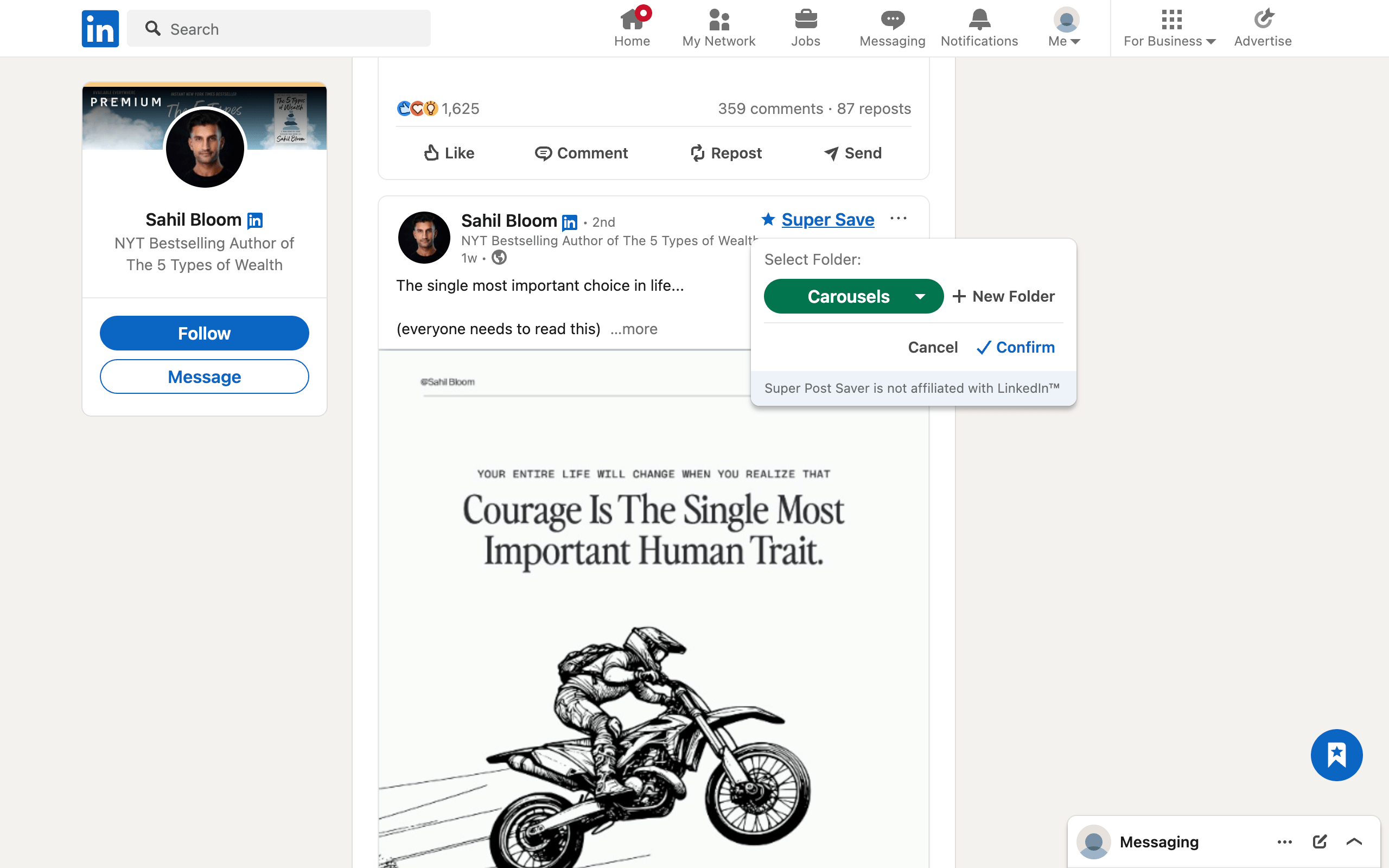
Quick answerOn desktop, start from LinkedIn Home and choose Saved Items in the left panel, then open saved posts and articles. On mobile, tap your profile picture and choose Saved posts. LinkedIn changes labels and navigation occasionally, so the exact wording can vary by account.
Saving a post is easy. Finding the same post three weeks later is the part that usually breaks down. LinkedIn's official help describes a Saved Items area for posts and articles, but a growing collection still behaves much like another chronological feed. The steps below cover the native route first, then a more searchable option for posts you want to keep as references.
How to find saved LinkedIn posts on desktop
- Open LinkedIn in your desktop browser and go to Home.
- Look in the left side of the homepage for Saved Items. Some layouts place it under a broader My Items entry.
- Choose Saved posts and articles.
- Scroll through the list and use any tabs or filters available in your account.
A direct Saved Posts URL may work, but it is safer to learn the Home-to-Saved-Items route because LinkedIn can change internal paths. If the left panel is collapsed, widen the browser or open the account navigation first.
How to find saved LinkedIn posts on mobile
- Open the LinkedIn app.
- Tap your profile picture to open the account menu.
- Tap Saved posts.
- Open the post you want, or use the post's More menu to unsave it.
Chrome extensions do not run inside the LinkedIn mobile app, so Super Post Saver is a desktop workflow. If you move between phone and computer, use LinkedIn's native Save action on mobile and reserve Super Save for posts you are deliberately adding to your desktop reference library.
Why a saved post may look missing
Before assuming a post is gone, check four common causes:
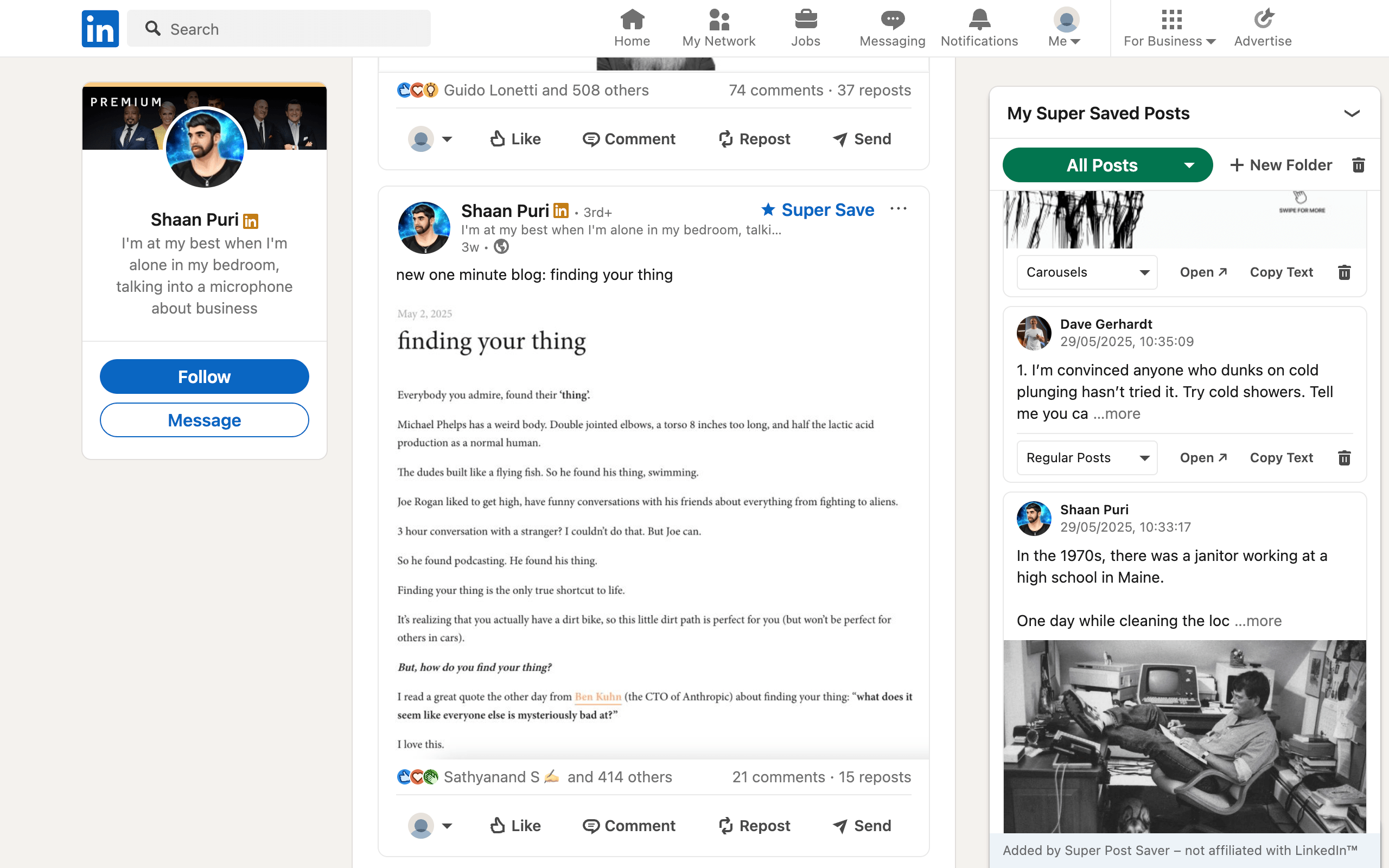
- You used a different save system. A native LinkedIn save appears in Saved Items. A Super Save appears in the extension's local library. The two lists are separate.
- You are in another LinkedIn account. Native saves belong to the account that saved them.
- The author removed the post. LinkedIn says deleted member posts cannot be found in search or on the author's profile. An old link can therefore stop opening.
- The interface has not finished loading. LinkedIn is a dynamic application. Give the Saved Items view a moment, then try a normal page refresh if its content remains blank.
Also check whether you saved an article rather than a post. LinkedIn may separate content types into tabs, and a narrow filter can make an item look absent.
What to do when the saved list gets too long
Scrolling works when you have ten saves. It performs badly when you remember only a phrase, the author's first name, or the shape of a carousel. That is a retrieval problem, not a saving problem.
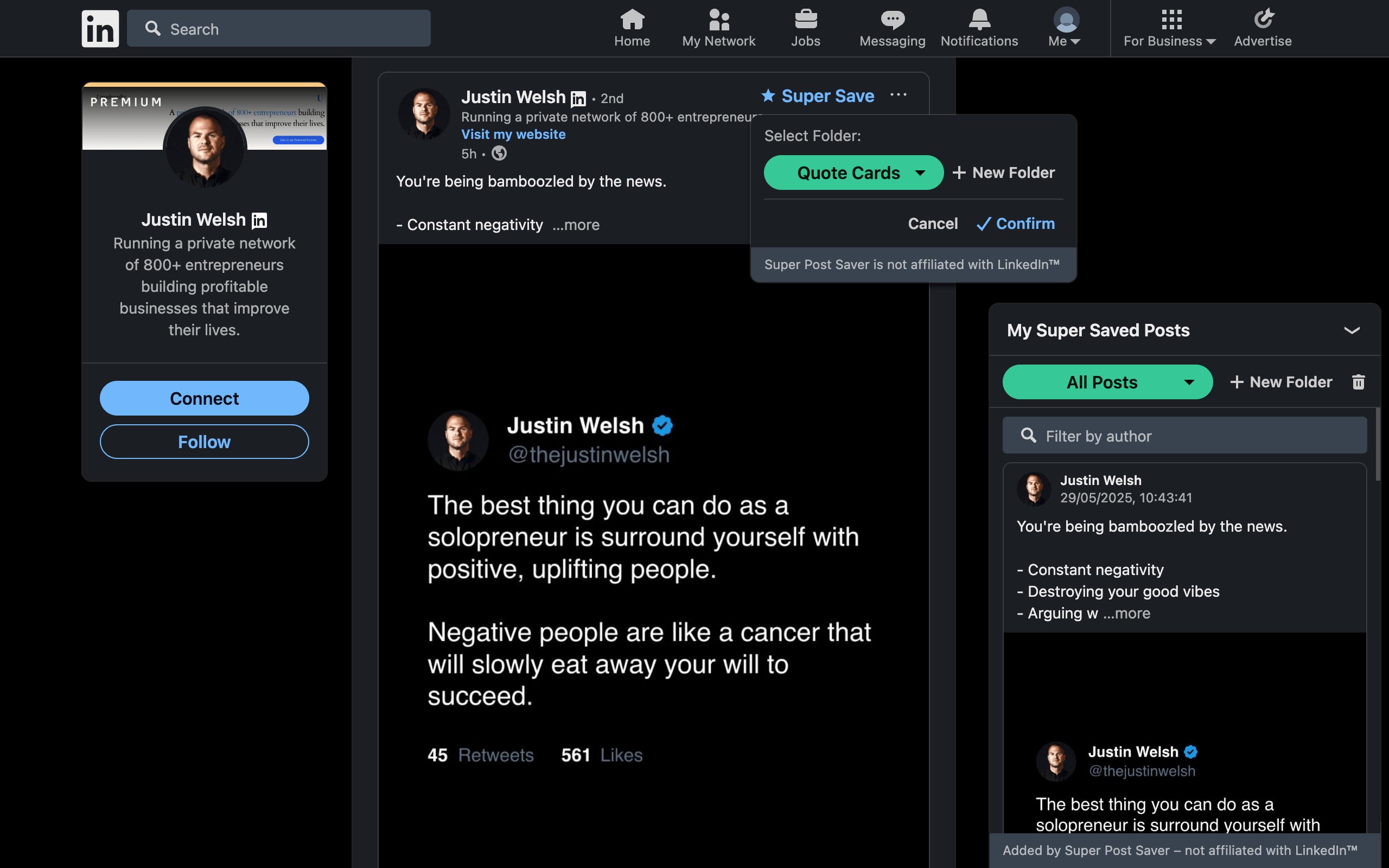
For future posts, use a system that records enough context at capture time. Super Post Saver stores its own saves with a folder, captured author, post text, save time, and a direct post reference when LinkedIn exposes one. Its search checks both the author and captured post text, then highlights matching words in the results.
Important distinctionSuper Post Saver does not bulk-import the posts already in LinkedIn Saved Items. Start using it for new high-value saves, and selectively re-save only the older references you still use.
A practical folder set is enough:
- Hooks for opening lines worth studying.
- Carousels for document structure and visual pacing.
- Research for evidence, examples, and useful frameworks.
- To apply for ideas tied to an active project.
For a fuller setup, use the saved-post organization guide. If you remember a phrase but not the creator, the saved-post search guide explains a faster query strategy.
A five-minute saved-post routine
- Once a week, open the folder you use as an inbox or general collection.
- Delete posts that are no longer useful. A smaller library is easier to trust.
- Move durable references into a specific folder.
- Open one saved post and turn it into an action: a note, an experiment, or a draft.
- Export a backup after a meaningful organizing session.
The goal is not to save more. It is to make a good post easy to recover at the moment it becomes useful.