Quick answerUse five stages: capture only posts tied to a real question, organize them by intended use, review on a fixed schedule, synthesize the lesson in your own words, and apply it to a draft or decision.
Content curation is not reposting a stream of interesting links. It is the process of selecting, contextualizing, and using material that helps a specific audience or project. LinkedIn supplies more examples than most people can process, so a useful workflow must be selective at the beginning and action-oriented at the end.
1. Capture selectively
Begin with an active question. Examples include:
- How are B2B founders explaining a difficult category?
- Which carousel covers make a clear promise without clickbait?
- What objections appear repeatedly in comments about this market?
- How do strong writers introduce original research?
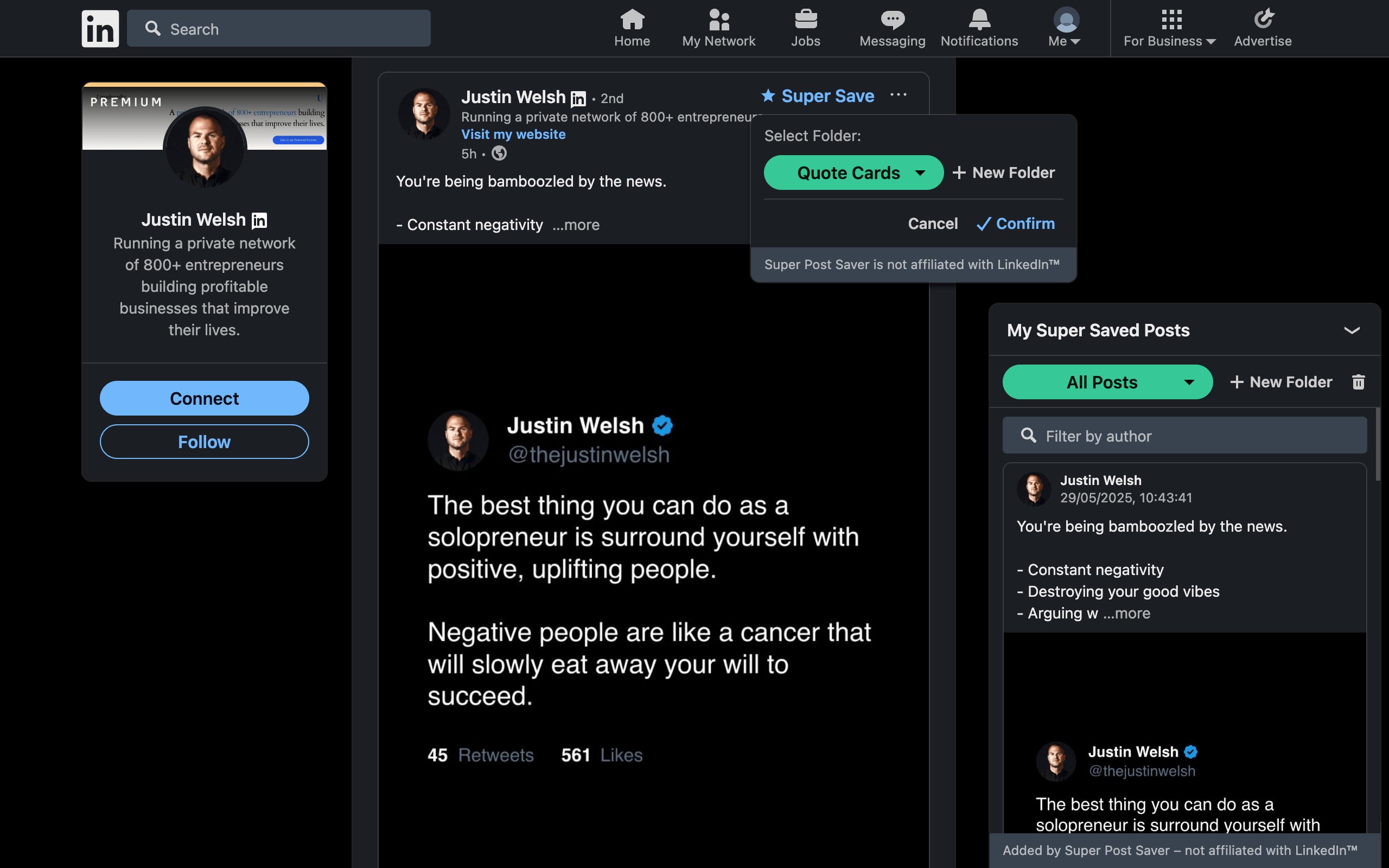
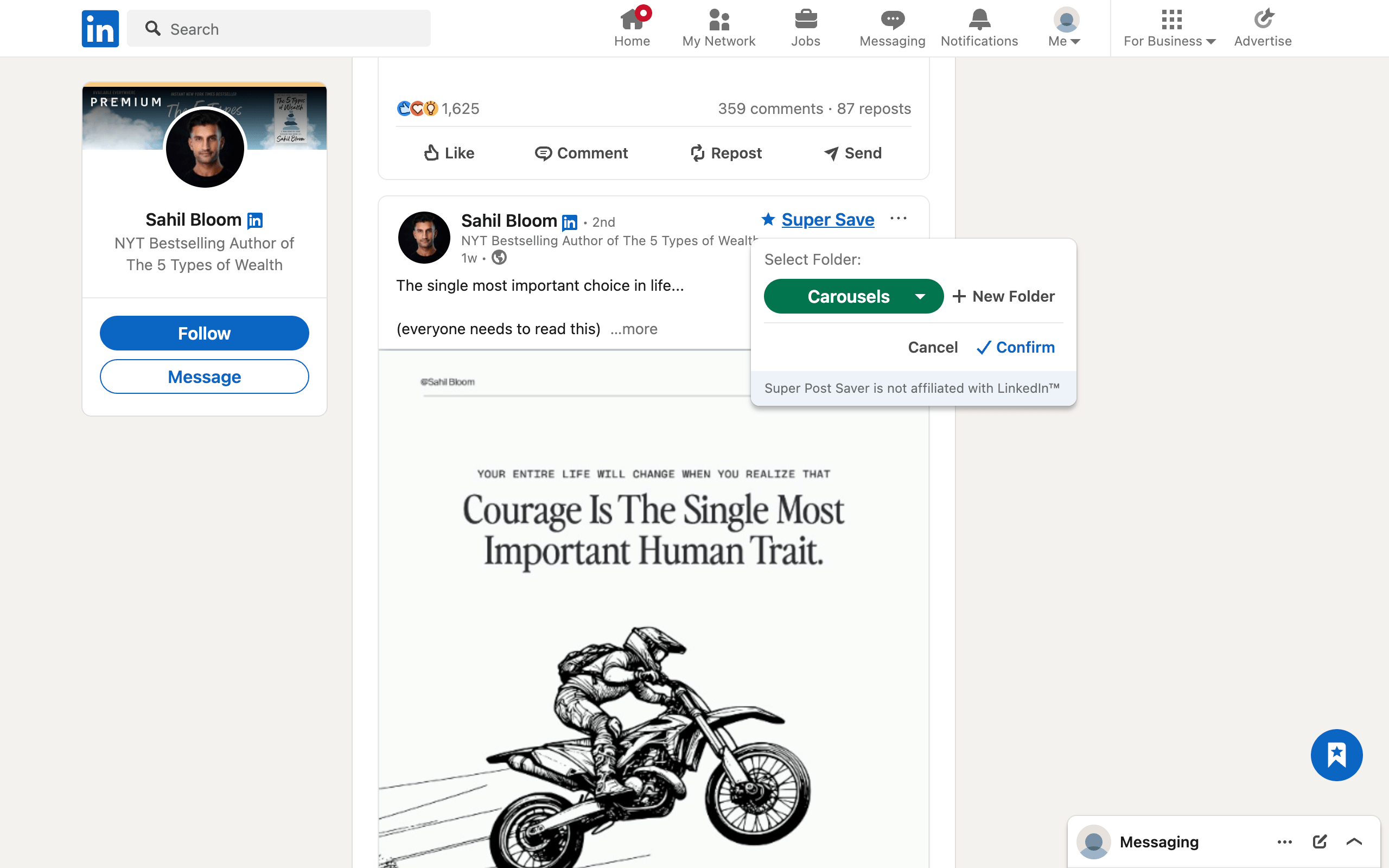
Save a post only when it contributes to that question. This one constraint improves the quality of the collection immediately. Super Save can place the post into the relevant project or format folder as you browse, which removes a separate sorting session.
Do not treat reactions as the only quality signal. A useful post may contain a precise customer phrase, a clear diagram, or a counterexample that matters to your work even if it did not travel widely.
2. Organize by intended use
Project-based folders work well for research with an end date. For ongoing publishing, use a small set of functional folders:
- Audience language for phrases, objections, and questions.
- Evidence for data, examples, and source leads that still need verification.
- Formats for structures and visual treatments.
- Angles for competing ways to frame the same topic.
- To test for techniques tied to the next publishing cycle.
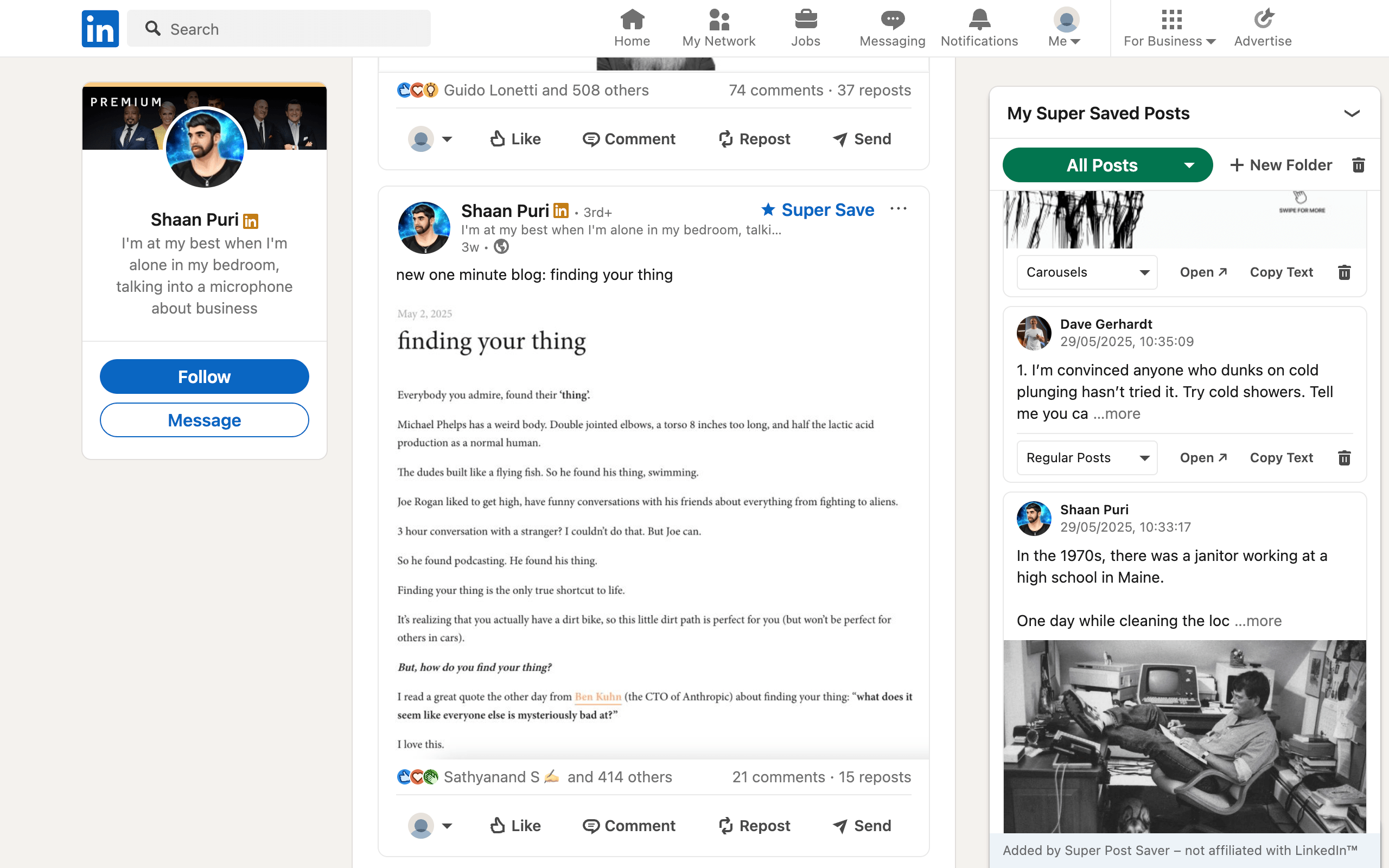
Use search for authors and exact language. Use folders for intent. Keeping those responsibilities separate prevents a huge folder list.
3. Review on a fixed schedule
Set a short weekly review rather than trusting motivation. A 20-minute agenda is enough:
- Remove weak or duplicate saves for five minutes.
- Move unclassified posts for five minutes.
- Choose three high-value posts for deeper review.
- Turn at least one into a note, experiment, brief, or draft.
The first two steps preserve collection quality. The final two create a return on the time spent browsing.
4. Synthesize instead of summarizing
A summary tells you what the post said. Synthesis tells you what changes after considering it alongside other evidence.
For each selected post, answer:
- What claim is being made?
- What evidence supports it?
- What is missing or uncertain?
- How does it agree or conflict with other saved examples?
- What decision could this improve?
If a factual claim will appear in your own content, trace it to a primary source. A LinkedIn post can be a discovery path without being the final evidence.
5. Apply the collection to real work
End every curation session with one visible output:
- a brief for a future post;
- a list of audience questions;
- a tested hook pattern;
- a slide outline;
- a source to verify;
- a comment or message that advances a real conversation.
Then mark the source as used in whatever system you maintain. Super Post Saver does not include workflow statuses, so a simple Used folder can separate active references from material you have already applied.
Keep the system recoverableBecause Super Post Saver stores its collection locally, export a backup after a large research session and before clearing browser data or moving to another Chrome profile.
If your goal is creative pattern study, use the more specific LinkedIn swipe-file method. If retrieval is the current problem, start with searching saved posts by author or keyword.