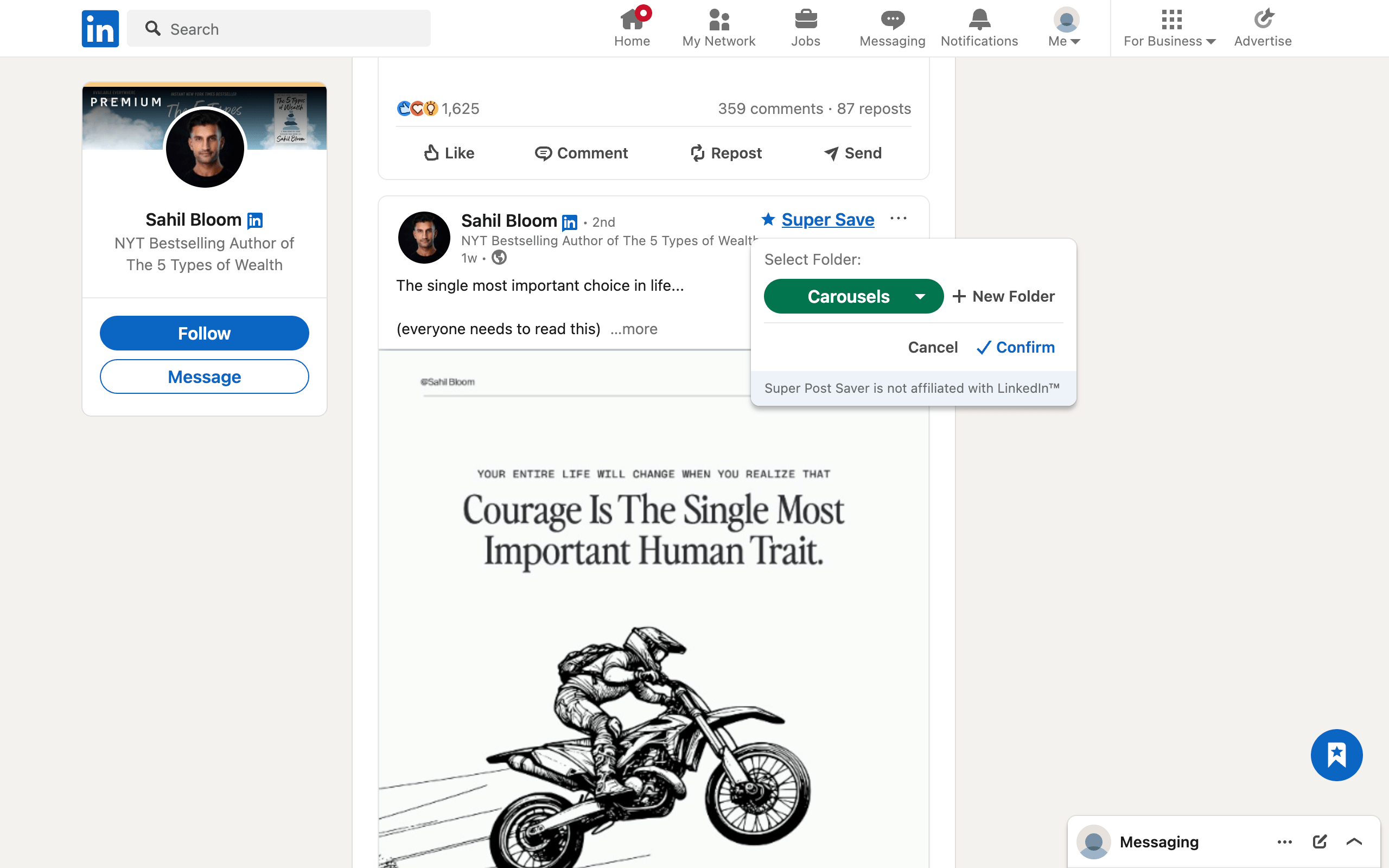
Quick answerCreate folders for the elements you study, such as Hooks, Structures, Carousels, Proof, and Calls to Action. Save only examples that teach a specific lesson, then review one folder when you start a draft.
A swipe file is a private reference collection of work that made you stop, think, or act. Copywriters have used them for decades. On LinkedIn, the same idea can help creators study openings, post structures, visual pacing, arguments, examples, and calls to action.
The value is not in owning a giant pile of popular posts. The value is in being able to retrieve the right pattern when you face a specific writing problem.
What a LinkedIn swipe file should do
A strong swipe file answers questions such as:
- How can I open this topic without a generic introduction?
- How did another writer make a complex idea easy to follow?
- What gives a carousel enough momentum to reach the final slide?
- How can evidence appear without making the post feel academic?
- What kind of call to action fits a thoughtful post?
That means your collection should be organized around craft decisions, not around vanity metrics. A post does not need thousands of reactions to teach a useful structural lesson.
Save the lesson, not every impressive post
Before you press save, identify the part that deserves future attention:
- Hook: the first one to three lines create a clear tension or promise.
- Structure: the order makes a difficult argument easy to understand.
- Specificity: concrete details make an otherwise common idea credible.
- Proof: data, a demonstration, or a case example supports the claim.
- Voice: the tone feels recognizable without becoming distracting.
- Visual system: the carousel or document uses hierarchy and pacing well.
- Call to action: the ending invites a relevant next step.
If you cannot name the lesson, leave the post in the feed. Interest alone is a weak retrieval signal.
Use a small swipe-file structure
Start with five folders:
- Hooks
- Structures
- Carousels and visuals
- Proof and examples
- Calls to action
Add a new folder only after the same missing category appears several times. This keeps the taxonomy based on real use instead of imagined future needs.
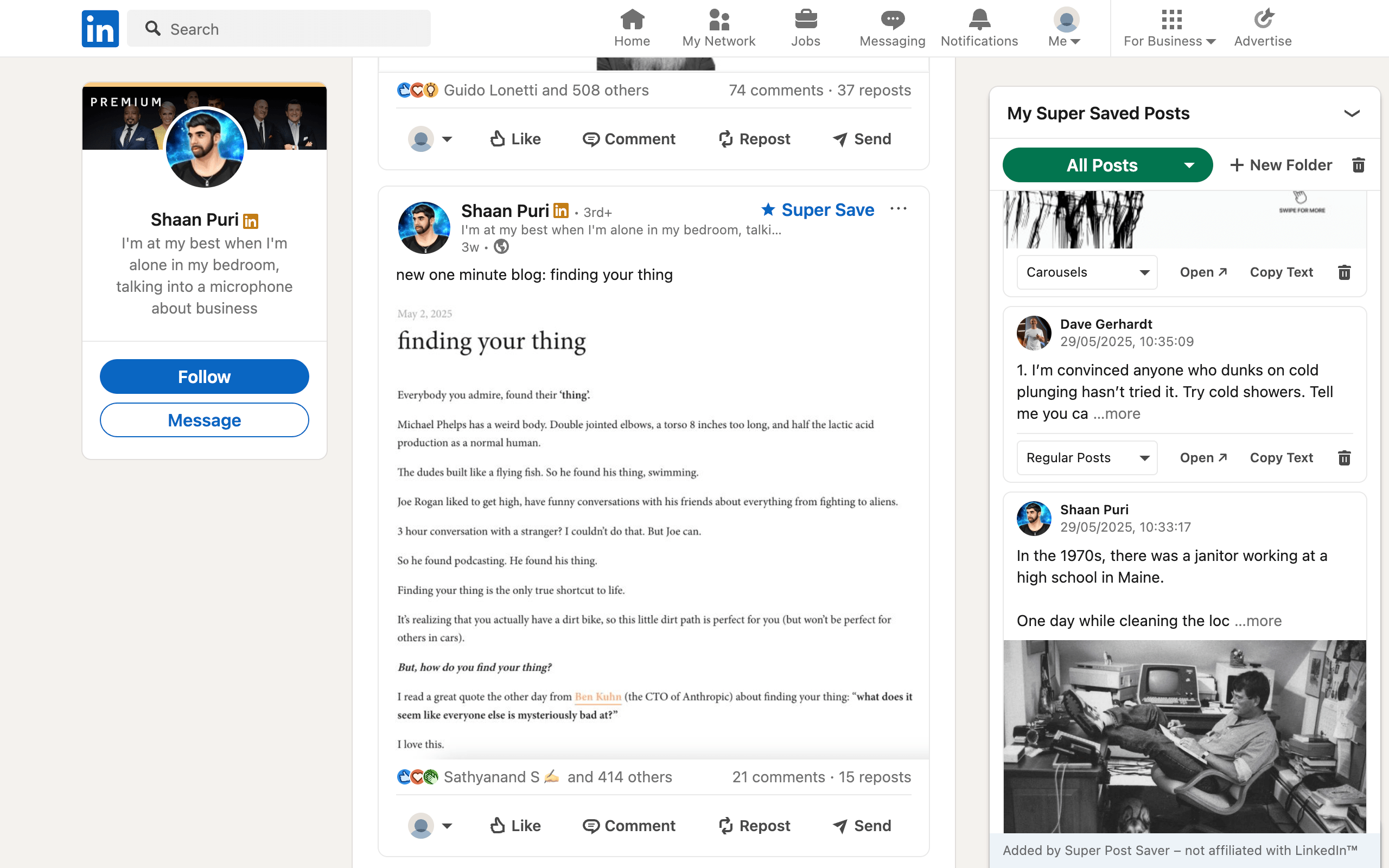
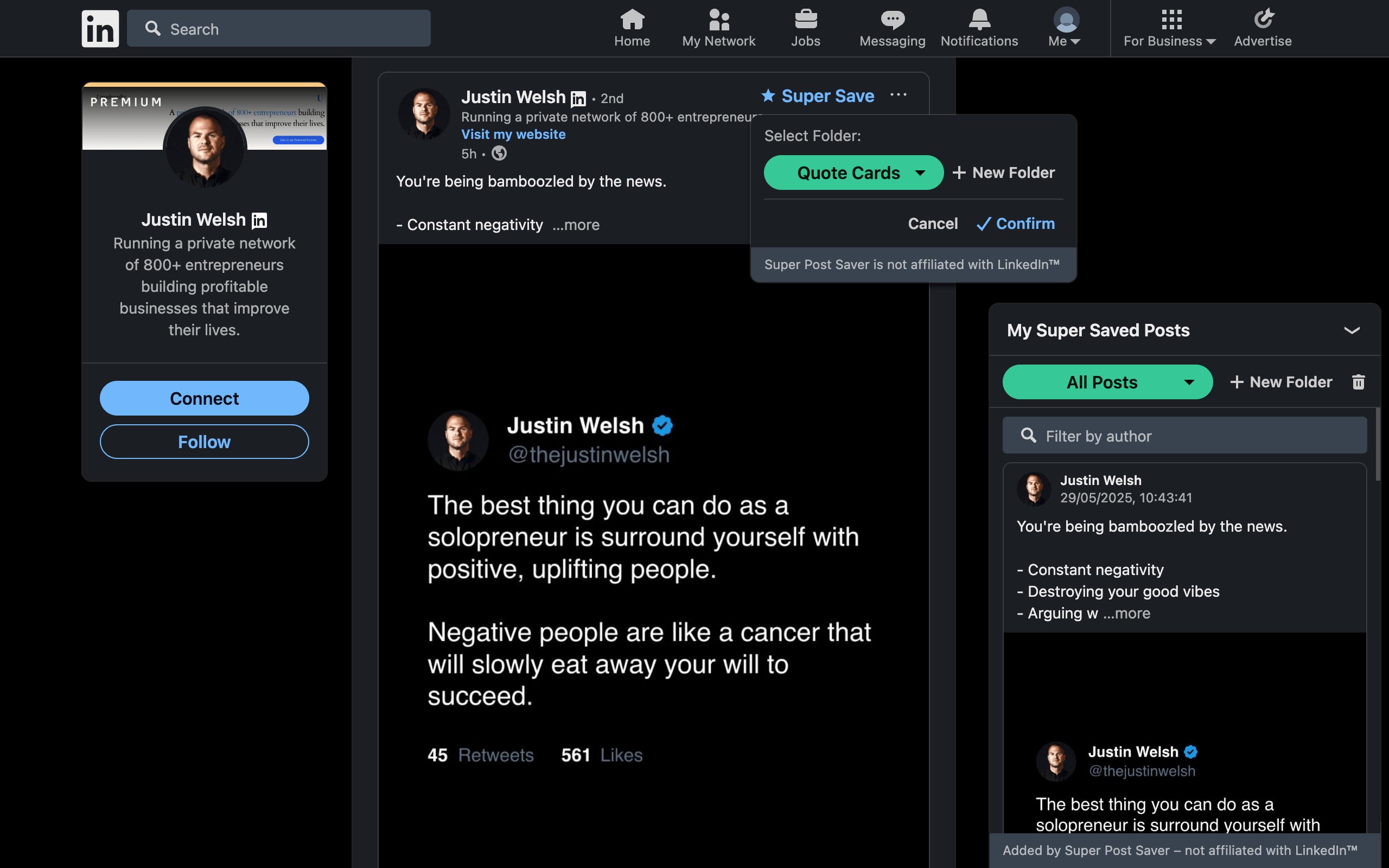
Super Post Saver lets you create these as custom folders. Search remains useful across the collection because it checks both author and captured post text. If you remember a phrase but not where you filed it, search All Posts rather than browsing every folder.
Study patterns without copying the post
A swipe file is ethical and creatively useful when you extract principles instead of reproducing expressions. Use this four-step analysis:
- Name the effect. The opening creates curiosity, the proof builds trust, or the sequence reduces confusion.
- Identify the mechanism. It uses contrast, a specific number, a before-and-after, a counterexample, or a compact story.
- Separate content from form. Write the structural pattern in neutral language.
- Apply it to your own evidence. Use your experience, examples, claims, and wording.
ExampleDo not save "I made $100k after one change" as a sentence to imitate. Study the mechanism: a concrete outcome creates stakes, while one change creates curiosity. Then decide whether your own honest evidence supports a similar contrast.
A useful practice is to copy the saved post text into your writing document only when you begin analysis. Under it, write three lines: what worked, why it worked, and what principle you can use. Then close the source before drafting your version.
Turn the swipe file into a weekly practice
- Choose one current writing problem, such as weak openings.
- Open the matching folder and review three examples.
- Write the shared mechanisms in your own words.
- Create three original options using your own topic and evidence.
- Delete duplicate or weak references while the folder is open.
This takes 15 to 20 minutes and turns passive saving into deliberate practice. For a broader research routine, continue with the LinkedIn content-curation workflow. For folder design, see how to organize LinkedIn saved posts.