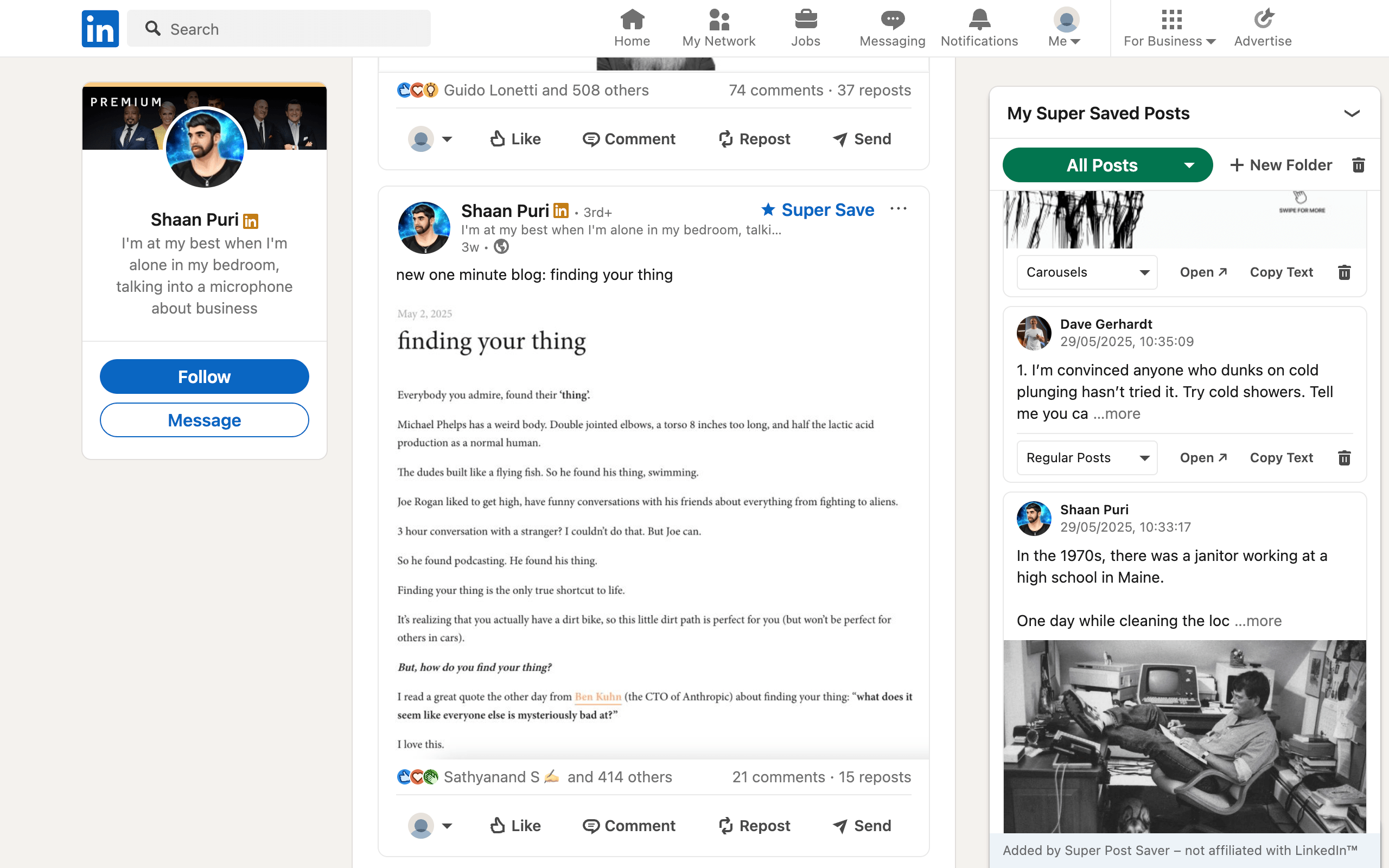
Quick answerChoose Super Post Saver for a free LinkedIn-only library with manual folders, exact keyword search, and no AI processing. Choose ContextBolt when you want one collection for LinkedIn, X, and Reddit with automatic AI tags, topic clusters, semantic retrieval, reminders, optional sync, exports, or an MCP endpoint.
ContextBolt and Super Post Saver both capture LinkedIn posts into local-first browser libraries, but their philosophies are nearly opposite. Super Post Saver asks you to choose a folder and later search the words you remember. ContextBolt classifies saves automatically and is designed to recover them by meaning across several social platforms.
DisclosureThis comparison is published by Super Post Saver. ContextBolt details come from its official Bookmarks pages and Chrome Web Store listing reviewed July 31, 2026. Verify current limits and pricing before upgrading.
Super Post Saver vs ContextBolt at a glance
| Question | Super Post Saver | ContextBolt |
|---|---|---|
| Platforms | LinkedIn, X, and Reddit | |
| Organization | Manual built-in and custom folders | Automatic AI tags and topic clusters |
| Search model | Exact author and captured words | Keyword and semantic retrieval, depending on plan |
| Default storage | Local Chrome extension storage | Local-first library |
| Server processing | No Super Post Saver server | Text is sent for AI tagging and described as discarded afterward |
| Cloud sync | No | Optional encrypted sync on Pro |
| Export | Backup and restore file | CSV, JSON, and spreadsheet export on Pro |
| AI access | None | Personal MCP endpoint on Pro |
Choose between intentional filing and automatic organization
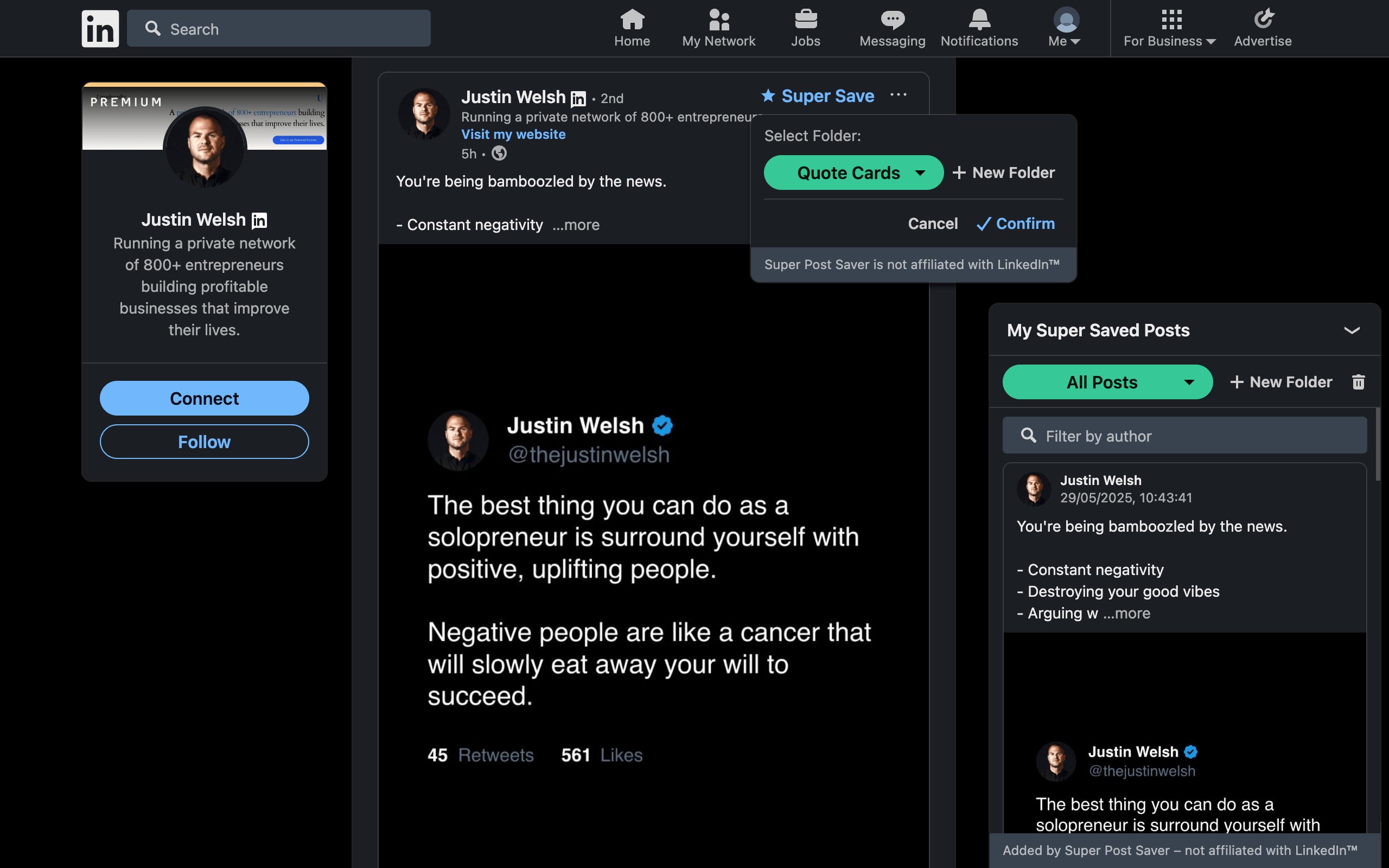
Manual folders create a small amount of work at save time, but they preserve your reason for keeping the post. A post filed in Client Research or Hooks has a use attached to it even when its topic is broad.
Automatic tags remove that decision. ContextBolt's official pages describe AI-generated tags, topic clusters, and semantic search. This is useful when you save rapidly across several platforms and do not want to maintain a taxonomy. It can also recover a post when your query uses different words from the original.
The tradeoff is control. An automatically inferred topic is not always the same as your intended use. People who think in projects may prefer folders; people who think in themes and save at volume may prefer clustering.
Understand the data path, not just the word local
Super Post Saver stores the collection in Chrome extension storage and does not operate an account or server for the library. Export and restore are user-managed.
ContextBolt describes a local-first model in which the library and semantic search remain on the device by default. Its documentation also says post text is sent to its servers for AI tagging and discarded after processing. Pro adds optional encrypted cloud sync and an MCP endpoint.
Neither model is automatically right for everyone. Ask:
- May post text leave the device for temporary processing?
- Do you need cross-device access?
- Do you need AI tools to query the collection?
- Will you remember to export local backups?
- Does the free plan cover the size of your collection?
Which product should you choose?
Choose Super Post Saver for a focused LinkedIn workflow, manual folders, exact search, no AI feature layer, and a free no-account library.
Choose ContextBolt for cross-platform social saves, automatic organization, semantic recall, reminders, optional cloud sync, data exports, and AI-agent access.
Consider LinkedMash instead when LinkedIn is the only platform but importing old saves and connecting them to a content-production workflow matter. See the LinkedMash alternative comparison.
Run a recall test, not a feature-count test
- Save the same ten LinkedIn posts in each product.
- After several days, search an exact phrase you remember.
- Then search a vague description that uses different wording.
- Browse by the project or reason you saved the post.
- Inspect backup, export, and deletion controls.
ContextBolt should win the meaning-based query if semantic search fits the memory. Super Post Saver should feel more direct when the folder or exact phrase is known. Your real recall pattern decides which advantage matters.
Review platform rules and permissions
Neither product is affiliated with or endorsed by LinkedIn, X, or Reddit. LinkedIn's published rules restrict extensions that scrape, automate, or alter its interface. Read current extension permissions, privacy documentation, and platform rules before use. A local-first architecture does not by itself guarantee platform approval.