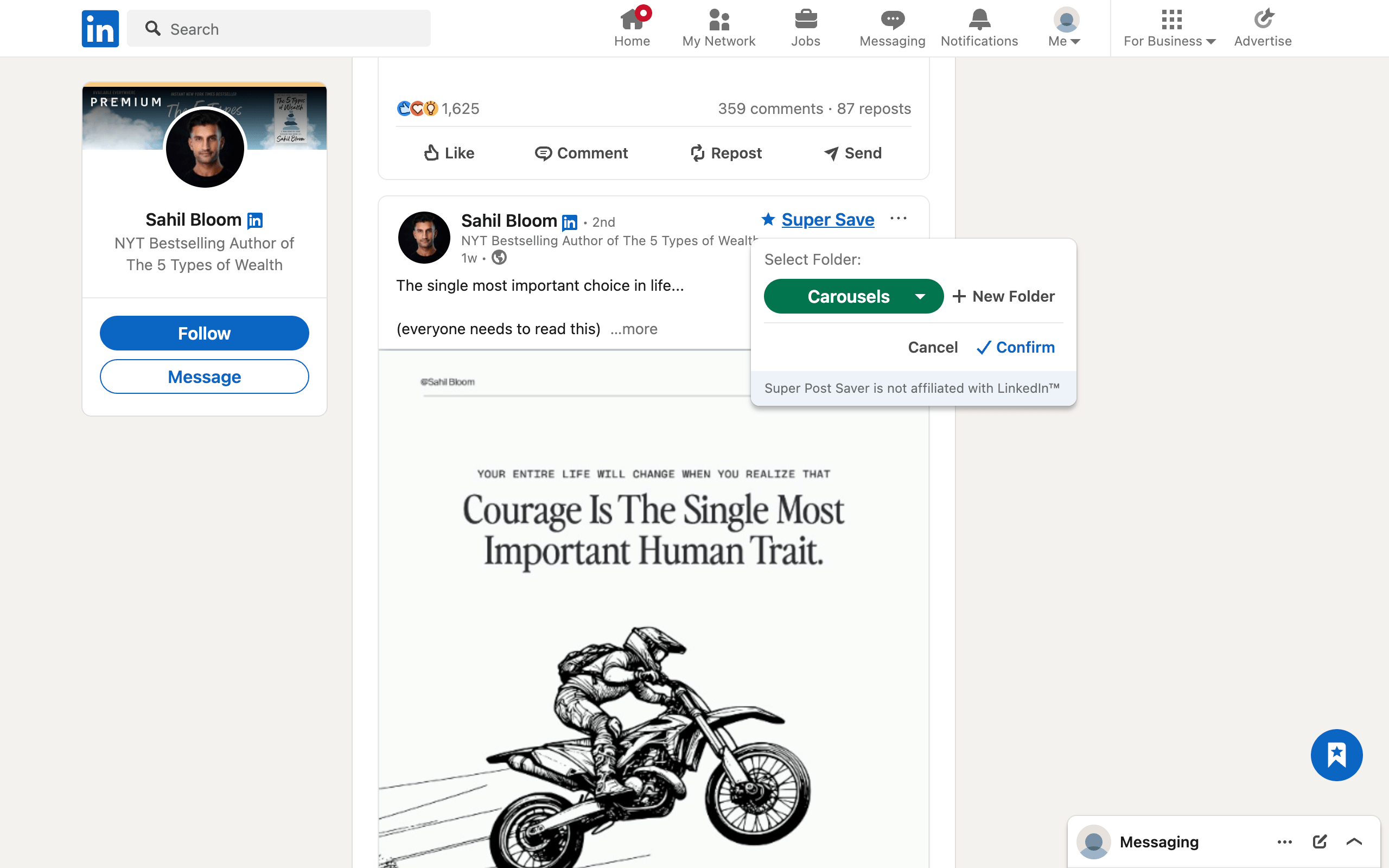
Quick answerChoose Super Post Saver for a free, no-account library with manual folders, exact keyword search, and local backups. Choose LinkedMash when you need existing-save import, mobile web access, AI search and chat, integrations, content drafting, scheduling, analytics, or an API and MCP workflow.
LinkedMash and Super Post Saver begin with the same pain but end in different products. Super Post Saver stays close to bookmarking. LinkedMash expands the saved-post library into a cloud-accessible research and content-production system. The best choice depends less on which feature list is longer and more on whether your collection is a private reference shelf or an active publishing database.
DisclosureThis comparison is published by Super Post Saver. LinkedMash details come from its official product and pricing pages reviewed July 31, 2026. LinkedMash is an independent product and can change features or pricing at any time.
Super Post Saver vs LinkedMash at a glance
| Question | Super Post Saver | LinkedMash |
|---|---|---|
| Existing saves | No bulk import | Imports LinkedIn saved-post history |
| New capture | Super Save into a folder | Native-save sync and save-to-folder controls |
| Search | Exact author and captured-text search | Full-text, filters, AI search, and assistant |
| Organization | Built-in and custom folders | Labels, Smart Views, and folders |
| Access | Local desktop Chrome library | Account-based web and mobile access after setup |
| Integrations | Portable backup and restore | Notion, Sheets, Airtable, Miro, API, and MCP options |
| Creator tools | None | Composer, scheduler, publishing, and analytics on eligible plans |
| Current cost | Free | Trial and paid Reader, Creator, and lifetime plans |
Super Post Saver is the simpler local option
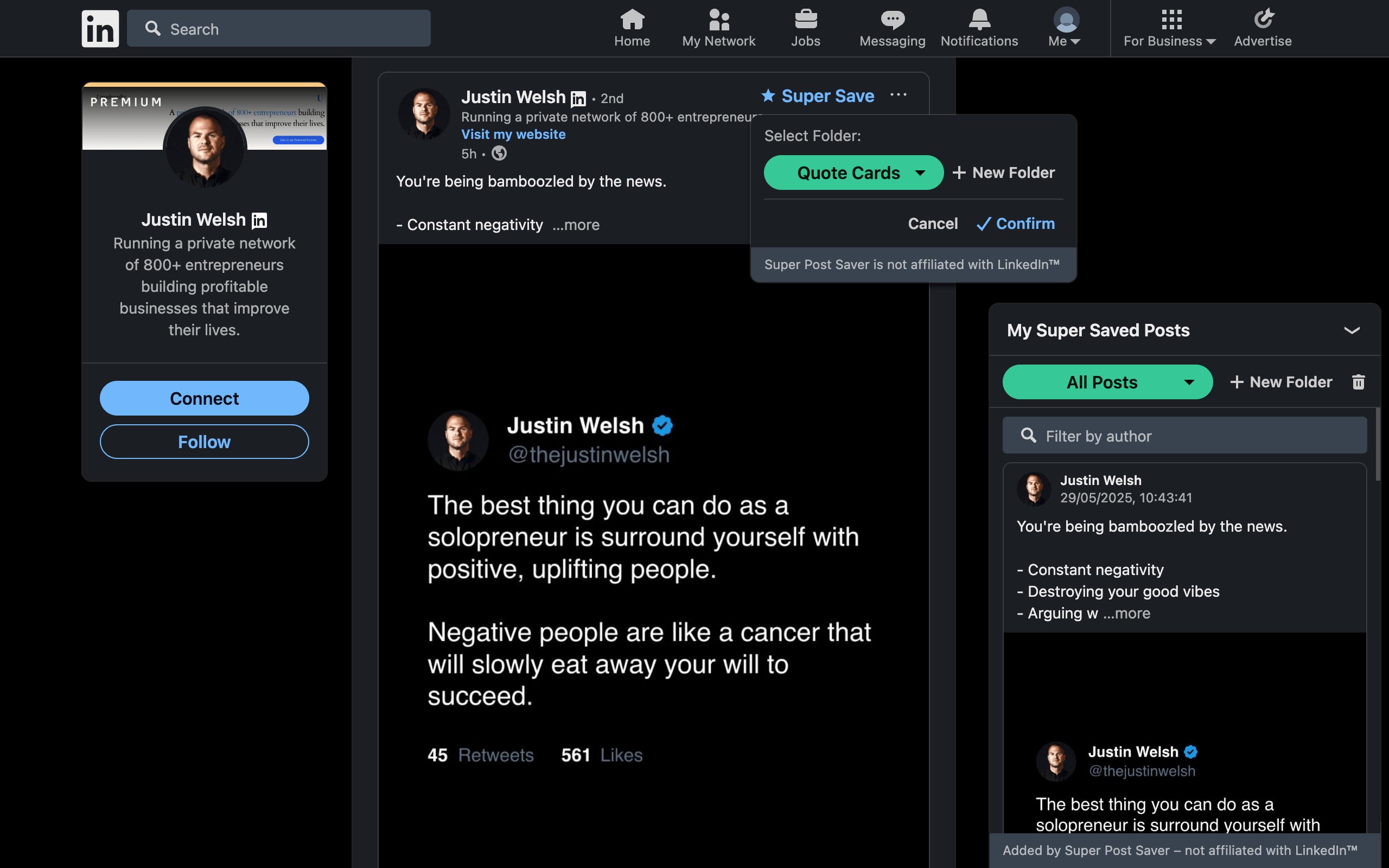
Super Post Saver is deliberately narrow. You save a supported LinkedIn post, choose a folder, search the captured author or visible text later, and reopen the original. The collection remains in Chrome extension storage unless you export a backup. There is no Super Post Saver account, AI assistant, publishing queue, or integration layer.
That smaller surface is an advantage when you want:
- a reference library rather than a content operating system;
- no recurring subscription;
- no automatic upload of the collection to a product account;
- manual folders you understand and control;
- fast retrieval by a phrase or creator you remember.
It is a weaker choice when your valuable material is already sitting in a large native Saved Items archive or needs to be available on several devices.
LinkedMash is the broader research and creator workflow
LinkedMash's current product pages describe full-history import, text and AI search, labels, Smart Views, folder capture, mobile access, and exports to tools such as Notion, Google Sheets, Airtable, and Miro. Its broader Creator offering adds drafting, scheduling, publishing, and analytics, while developer options include API and MCP access.
That makes LinkedMash stronger when:
- the old LinkedIn archive must be imported rather than rebuilt selectively;
- you want to query themes across many saves with AI;
- the library should feed a notes database or spreadsheet automatically;
- mobile web access matters;
- saved research should move directly into drafting and publishing.
The tradeoff is a larger account-based product and a paid plan for sustained use of premium features. As of this review, LinkedMash advertises a limited trial, annual subscriptions, and a lifetime option. Use its current pricing page for the actual purchase decision.
Which product should you choose?
Choose Super Post Saver when your desired workflow is: save, file, search, reopen, and occasionally back up.
Choose LinkedMash when your desired workflow is: import, enrich, ask, integrate, repurpose, publish, and measure.
Use neither yet when you save only a few posts per month. LinkedIn Saved Items plus a weekly review may be enough until retrieval becomes a real problem.
Plan a migration around outputs, not promises
- Import or capture a small representative set first.
- Verify text, author, media context, and original links.
- Search an exact phrase and a vague concept to understand the difference.
- Test the export or integration you actually intend to use.
- Confirm what remains available after a trial or subscription ends.
- Keep the source collection until the new workflow is proven.
For a second import-focused local option, read the PostDeck alternative comparison. For a multi-platform AI bookmark system, see the ContextBolt alternative guide.
Review platform rules separately from product features
Neither product is endorsed by LinkedIn. LinkedIn restricts extensions that scrape, automate, or alter the interface, and those rules can affect saved-post products even when their feature sets differ. Review current permissions, privacy terms, and LinkedIn's published policy yourself. This comparison does not certify either product as compliant or risk-free.